Managing a VPS Server Without Using a Control Panel
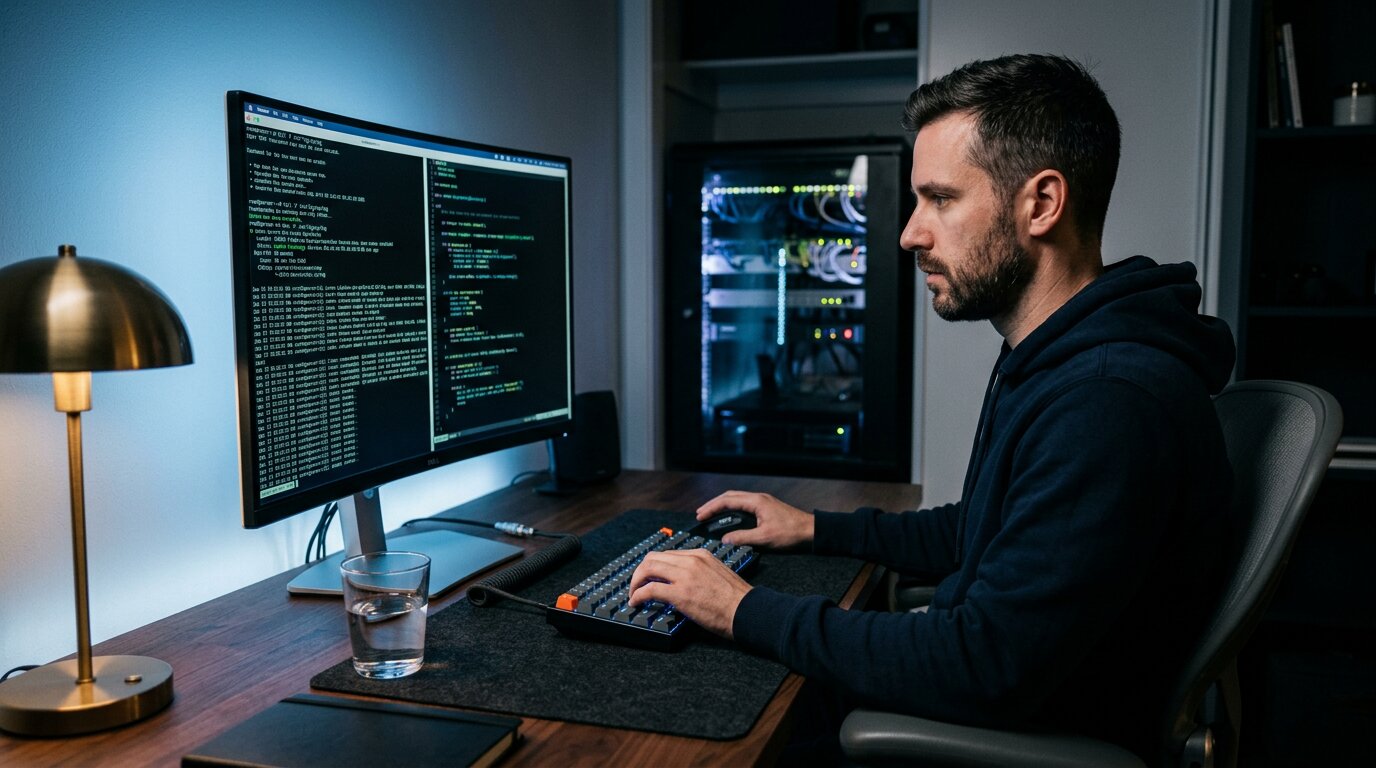
A Virtual Private Server (VPS) provides website owners, developers, and businesses with a flexible hosting environment that offers more control than traditional shared hosting. Unlike shared hosting, where many users rely on the same server configuration, a VPS gives users dedicated resources and greater freedom to customize their setup. However, this flexibility also means taking more responsibility for server management.
Many VPS providers offer control panels such as cPanel or Plesk to simplify common tasks. These platforms provide graphical interfaces for managing websites, databases, email accounts, and server settings. However, some users prefer managing a VPS without a control panel because it allows greater customization, improved resource efficiency, and direct control over every installed component.
Understanding VPS Management Without a Control Panel
Managing a VPS without a control panel means operating the server directly through command-line tools instead of using a graphical dashboard. The most common method is Secure Shell, known as SSH, which allows administrators to connect remotely and securely manage the server environment.
Through SSH, users can install software, modify configurations, manage files, monitor performance, and troubleshoot issues. Instead of clicking through menus, administrators enter commands that communicate directly with the operating system.
This approach gives experienced users complete control over their hosting environment. They can decide exactly which services run, how resources are allocated, and how applications are configured. This is especially useful for developers who need specific VPS server setups that standard control panels may not support.
However, manual VPS management requires more technical knowledge. Tasks that a control panel would normally automate must be handled manually, including software installation, security configuration, backups, updates, and system maintenance.
Setting Up the Foundation of a Panel-Free VPS
The first stage of managing a VPS without a control panel is preparing the server environment. This begins with choosing an operating system that matches your requirements. Linux distributions such as Ubuntu, Debian, and other server-focused platforms are commonly used because they provide stability and flexibility.
After installing the operating system, administrators usually perform essential configuration tasks. These include updating system packages, creating user accounts, configuring permissions, and preparing secure remote access.
A properly configured server should also have a clear purpose before additional software is installed. A server hosting a website may need different components compared to one running applications, databases, or development environments.
Planning the server architecture early helps avoid unnecessary installations. One of the advantages of avoiding a control panel is that administrators can keep the system lightweight by adding only the tools they actually need.
Step-by-Step Guide to Managing a VPS Without a Control Panel
Managing a VPS manually becomes easier when the process is divided into clear stages. Although every server has different requirements, most panel-free VPS setups follow a similar workflow that focuses on security, configuration, and ongoing maintenance.
The first step is selecting a suitable VPS plan based on your workload. Consider factors such as processor power, memory, storage, bandwidth, and operating system options. After activation, connect to the server through SSH using your terminal or an SSH client. This connection becomes the main method for managing the VPS.
Once connected, secure the server before deploying anything. Update the operating system, create a separate administrative user, configure authentication methods, and set up firewall rules. Reducing unnecessary access points helps protect the server from unauthorized activity.
The next stage is installing the software required for your project. Website owners often configure a LAMP stack consisting of Linux, Apache, MySQL, and PHP, or a LEMP stack using Nginx instead of Apache. Only necessary components should be installed to keep the system efficient.
After the software environment is ready, upload your website files or deploy your applications. Configure domains, databases, permissions, and server rules manually. Create backup routines and automate repetitive tasks where possible. Over time, monitor performance, review logs, and adjust settings to keep the server stable.
Improving Performance and Resource Efficiency
One of the main reasons users choose a VPS without a control panel is improved performance. Control panels add convenience, but they also consume server resources because they run additional services and background processes.
On smaller VPS plans, these extra requirements can have a noticeable impact. Some control panels recommend several gigabytes of RAM because they need space to operate comfortably. Removing the panel allows those resources to be used by websites and applications instead.
A manual setup also allows administrators to optimize the server for specific workloads. Unused services can be disabled, software choices can be customized, and performance settings can be adjusted based on actual needs.
This level of control is especially valuable for advanced configurations. Projects involving caching systems, load balancing, custom databases, or specialized applications often benefit from a server environment built from scratch.
Securing a VPS Without a Graphical Interface
Security becomes a major responsibility when managing a VPS manually. Without a control panel handling certain tasks automatically, administrators need to actively protect the server.
SSH security should be one of the first priorities. Using strong authentication methods, limiting access, and avoiding unnecessary exposure can reduce common attack risks. Many administrators prefer SSH keys because they provide stronger protection than simple passwords.
A firewall is another essential security layer. Firewalls allow administrators to control which services are accessible from the internet. Only required ports should remain open, while unnecessary connections should be blocked.
Regular updates also play an important role. Operating systems, applications, and server software frequently receive security improvements. Maintaining a consistent update schedule helps protect the server and maintain reliability.
Managing Websites and Applications Manually
Without a control panel, website administration becomes a more direct process. Instead of creating websites through a dashboard, administrators configure server files and services manually.
Web servers such as Apache and Nginx rely on configuration files that define how websites operate. Multiple websites can be hosted by setting up virtual hosts or server blocks, allowing the server to handle different domains correctly.
Database management is also performed manually. Administrators create databases, manage users, assign permissions, and optimize performance. Although this requires more knowledge, it provides a clearer understanding of how applications interact with the server.
File management is typically handled through SSH commands or secure transfer methods such as SFTP. These tools allow users to upload files, modify configurations, and maintain applications without relying on a graphical interface.
Automating Routine Server Administration
Although manual VPS management requires more involvement, automation can simplify many repetitive tasks. Experienced administrators often create scripts that handle common maintenance activities.
Automation can be used for backups, software updates, monitoring checks, and application deployment. Simple scripts can save time by ensuring important tasks are completed consistently.
For users managing multiple servers, automation becomes even more valuable. Reusable configurations allow administrators to quickly reproduce preferred environments instead of repeating every setup step manually.
This approach creates a balance between control and convenience. Instead of depending on a control panel, administrators build their own customized management system.
Monitoring and Troubleshooting a VPS
A VPS requires regular monitoring to remain reliable. Without a control panel dashboard, administrators need to understand how to review system performance directly.
Monitoring tools can display information about processor usage, memory consumption, storage capacity, and network activity. These details help identify performance problems before they affect visitors or applications.
Server logs are another important resource. Logs record system events, errors, security attempts, and application problems. Reviewing them regularly can reveal issues that might otherwise remain unnoticed.
Troubleshooting manually may take more time initially, but it often creates stronger technical knowledge. Administrators learn how different server components work together and can solve problems more effectively.
When a Control Panel May Still Be the Better Choice
While managing a VPS without a control panel offers many benefits, it is not suitable for every user. Beginners or businesses that need simple hosting management may find graphical tools more practical.
Control panels simplify tasks such as website creation, email setup, application installation, and account management. They reduce the amount of technical work required and allow users to focus on running their websites.
For organizations where time is more valuable than customization, a control panel may be the better option. The convenience it provides can outweigh the additional resource usage.
The right choice depends on your priorities. Users who need maximum control may prefer manual administration, while those seeking simplicity may benefit from managed VPS solutions.
Building Confidence With Manual VPS Administration
Managing a VPS server without using a control panel requires more involvement, but it provides a level of control that automated systems cannot match. By learning how to configure, secure, optimize, and maintain a server directly, administrators can create environments designed around their exact needs. While the process requires patience and technical knowledge, a carefully managed panel-free VPS can deliver strong performance, better resource efficiency, and complete ownership of the hosting experience.